
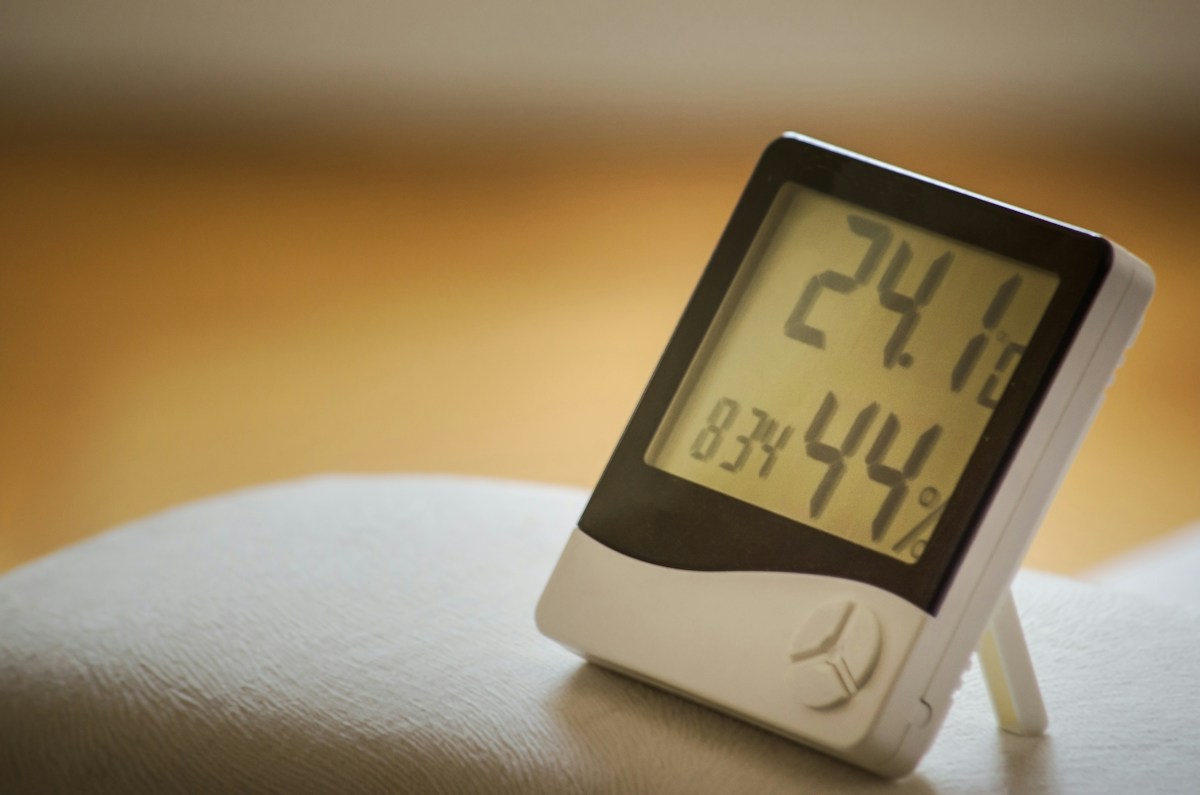
A temperature sensor appearing in a phone app while you stand beside it does not prove that you can read it from another location. Before buying, distinguish local Bluetooth access, historical data and remote updates.
Draw the connection path
SwitchBot’s Meter comparison distinguishes nearby Bluetooth use from additional hub-enabled capabilities. Its remote-data instructions describe the applicable hub connection. Check the exact meter and hub models.
Write your proposed path as sensor to compatible hub to account/app. A phone beside the sensor may use a different path, so it is not a complete remote-access test.
State the actual requirement
Do you need to read the display, check from another room or receive updates while away? Those are different buying requirements. Also identify whether you need a current reading, a history graph or a notification.
Do not purchase a sensor-only package expecting every connected feature to work. Confirm the hub and account requirements before comparing prices.
Check the proposed locations
The meter and hub must communicate under the maker’s requirements. Walls, furniture and placement can affect the practical connection. A promotional range figure does not guarantee performance in a particular home.
Keep a placement record: sensor location, hub location, obstacles, app status and the time shown for the latest reading. A plausible number may still be old.
Verify the remote view
Follow the current setup instructions and check that the intended sensor updates through the remote path you plan to use. Compare the timestamp and sensor identity, not only whether an app card appears.
If a graph is available, check what period it covers and whether it contains gaps. Historical data and immediate alerts are separate features.
Plan for a stale reading
Decide how you will recognize a disconnected sensor, depleted battery or offline hub. Do not treat a last-known reading as proof of current room conditions.
For critical temperature-dependent storage or other consequential uses, select equipment and procedures appropriate to that task instead of assuming a convenience sensor is a certified monitoring system.
Compare complete cost
Record sensor, compatible hub, power supply, batteries, required services and any ongoing fees. Use actual current offers for the exact region.
Our budget smart-home guide includes the same nearby-versus-remote distinction for Bluetooth room sensors. Our cost worksheet helps compare recurring expenses.
Documentation checked November 5, 2026. No calibration test, environmental diagnosis or guaranteed alert delivery is claimed.
Photo: Kaffeebart on Unsplash. Illustrative stock photograph, not a tested installation or endorsement.


