Buying a Meross garage controller by brand name alone can produce the wrong basket. The MSG150 has a narrower compatibility rule than the universal-model route. Check the ceiling opener’s identity and the controller’s exact model before paying; ‘works with Meross’ is not a complete compatibility answer.
Start with the ceiling opener, not the handheld remote
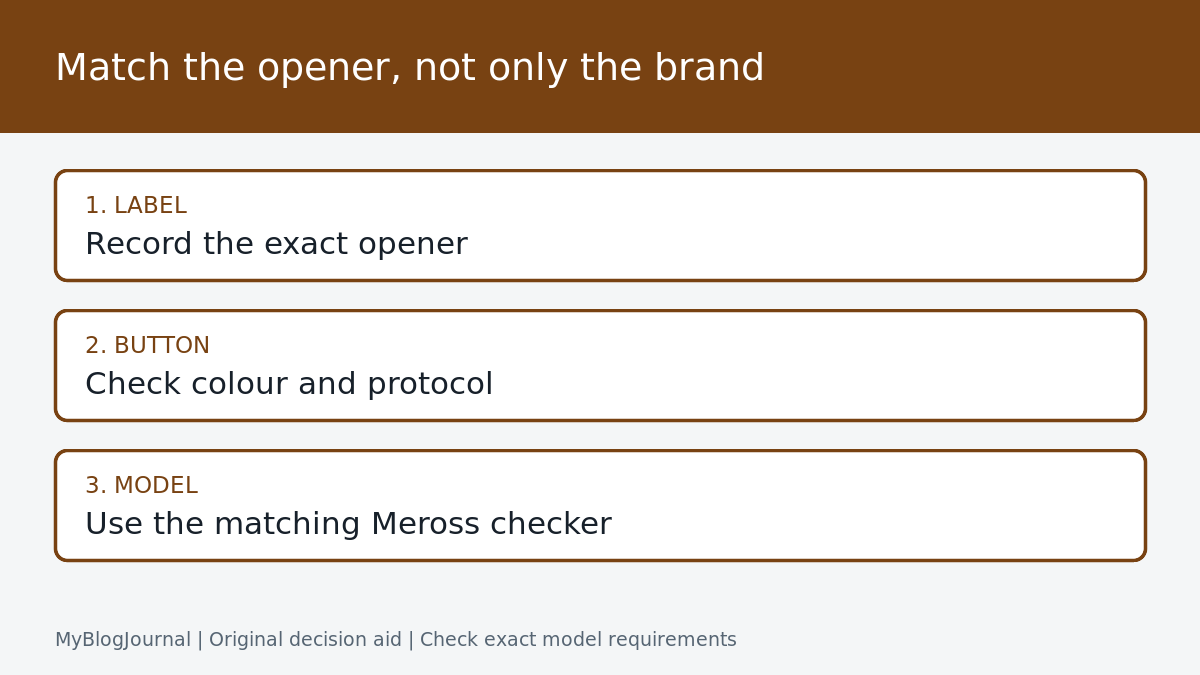
Safely record the opener manufacturer’s name, model and any visible compatibility information. If reading the label requires unsafe climbing or opening electrical equipment, stop and use the installer or manufacturer’s documentation. Do not guess from the appearance of a remote or wall control.
Meross describes MSG150 as designed for Chamberlain, LiftMaster and Craftsman units with yellow, purple or red learn buttons using Security+ 1.0 or 2.0. Its current compatibility FAQ excludes Security+ 3.0 with a white learn button. It also directs red/orange three-terminal openers, gate openers and other dry-contact brands toward its MSG100/MSG100HK or MSG200/MSG200HK route instead. That is a direction to check those models, not a blanket guarantee.
Build a stop/go card
Put four facts on a card: opener model, learn-button colour, documented protocol and proposed Meross controller model. If any field is unknown, pause the order and consult the current manufacturer checker or support. A favourable result for MSG100 does not automatically approve MSG150.
Use a result of ‘compatible’ only when the exact combination is supported. Use ‘needs accessory confirmation’ when the selected universal model’s checker calls for one. Use ‘not established’ when the opener is missing or the identification is uncertain. This avoids treating an accessory as a universal cure for incompatibility.
Compare full installed paths
For each confirmed route, include the controller, any specifically required accessory, permitted installation help and current delivery charges. Separately check the ecosystem version, such as whether the exact listing supports the app or platform you intend to use. A cheaper variant with the wrong platform support is not an equivalent offer.
Example: a household identifies a white learn button and Security+ 3.0 on the opener. The MSG150 FAQ’s exclusion means that household should not buy MSG150 on the strength of the brand name. It should seek an explicitly supported alternative for its exact opener, rather than attempt wiring experiments.
Keep compatibility and safe operation separate
A successful compatibility check is only the first gate. Follow the exact product’s installation and safety instructions and retain normal door controls and safety devices. This article does not instruct you to bridge terminals, bypass obstruction sensors or alter the opener. Leave uncertain wiring and mechanical faults to a qualified installer.
When the supported system is installed, verify reported door state and ordinary supervised operation before relying on remote commands. Keep people and objects clear and follow the opener’s safety instructions. If status and physical position disagree, stop remote operation and resolve the setup. Buying a controller does not fix an unsafe or malfunctioning garage door.
Manufacturer documentation checked November 18, 2026: official requirements and instructions. This article is based on documentation, not firsthand testing. Features, availability and requirements can change; verify the exact regional model before purchasing.
Related: check the garage Wi-Fi signal separately. These links are informational; no affiliate earning arrangement is claimed.