Choose a boundary you can recognize
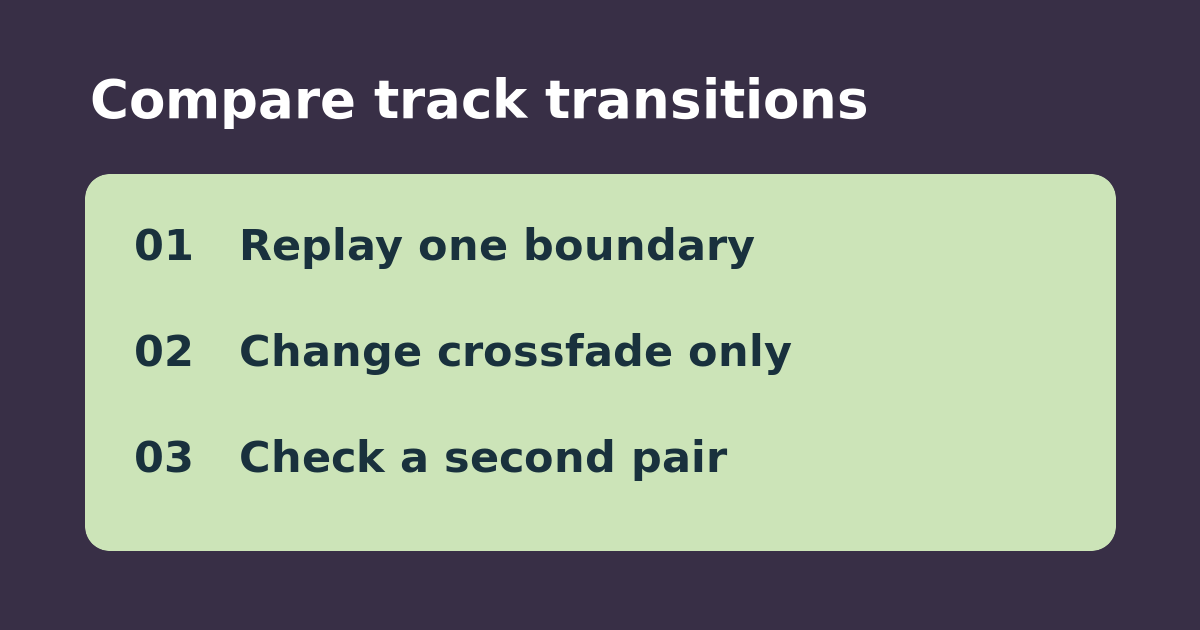
Sonos describes Crossfade as a smooth transition between queued tracks. That can help a party playlist feel continuous, but an album may already have its own pacing. If a quiet ending disappears under the next song, start by checking the setting before blaming the speaker. Choose two adjacent tracks with an easily recognized ending, such as a spoken sign-off, a long fade, or a deliberate pause.
Replay the boundary rather than tapping Next
Keep the same room, source, queue, order, and volume. Turn off shuffle if needed, play toward the end of the first track with Crossfade off, and let the second begin naturally. Note whether the end, pause, and opening are audible. Repeat with only Crossfade changed, then test a second pair from a playlist. Pressing Next is not the same observation as letting the boundary play through.
Keep the setting that fits the material
If overlap hides a word, a final note, or intentional silence, leave Crossfade off for that listening session. If it helps a mixed playlist and both starts are intact enough for your taste, keep it there. If the same break or dropout happens both ways or occurs mid-track, do not buy another speaker on the strength of this test; check whether playback paused and troubleshoot that separately. If the toggle is missing, check which app and playback controls Sonos supports rather than assuming a fault.
See Sonos’s playback controls guide. Related: isolate accidental pauses from touch controls.