White tuning does not establish Adaptive Lighting support
A light that lets you choose a warmer or cooler white may still lack the Adaptive Lighting control in your Apple Home setup. Apple’s Home guide distinguishes manual color-temperature adjustments from lights that support Adaptive Lighting. Check for the actual option on the accessory’s tile rather than relying on a generic compatibility label. If you have not bought the light, confirm the exact model and integration in the manufacturer’s documentation or ask to see that control demonstrated.
Compare for one task in the same room
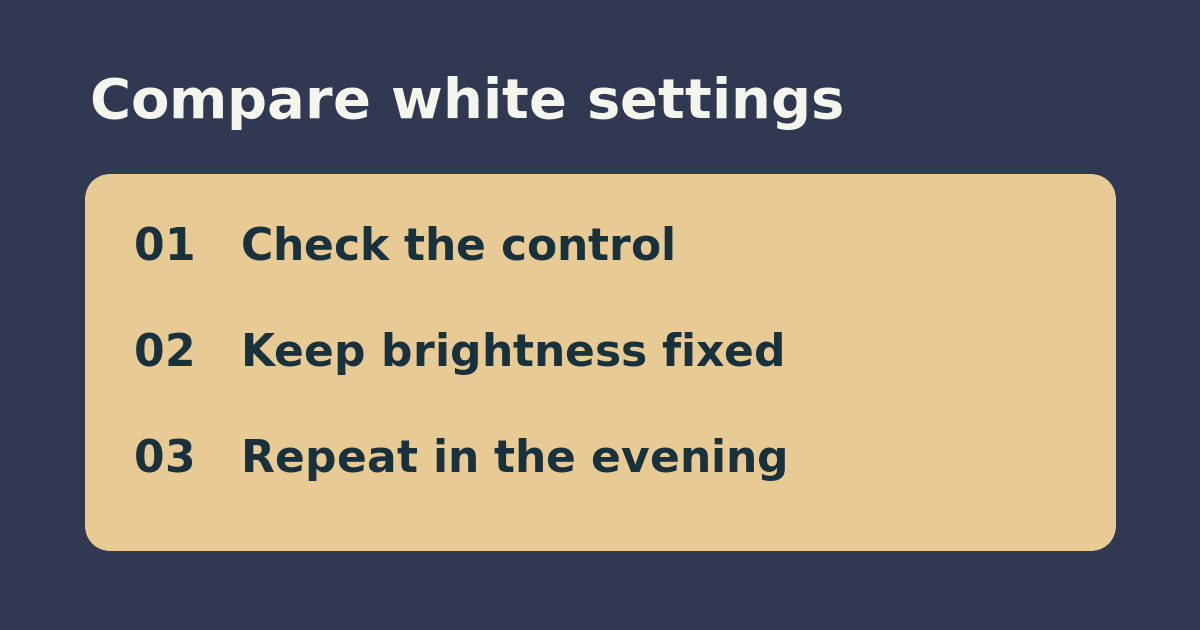
On a supported lamp, choose one ordinary task such as reading labels at a desk. Start with a fixed white setting you already like and note the brightness. Check the same task during the day and evening with Adaptive Lighting selected, leaving brightness, seating, and other lamps unchanged. Describe the white tone as well as comfort: warmer-looking light is not automatically dimmer, and changing brightness at the same time makes the result harder to interpret.
Buy for the behavior you can verify
If the adaptive setting is useful at both times, check that any additional lamp supports it in the same setup before buying. If you prefer one stable white, use the fixed setting and spend only on the brightness and fitting you need. If the option is absent, document the accessory model and how it connects to Apple Home before replacing anything. A single feature test is more useful than replacing several lamps at once.
See the manufacturer’s instructions. Related: test Apple Home accessory names and room controls.