Decide whether one room or two matters at that hour
A bedroom that feels cold at bedtime and an office that feels warm during the day are not necessarily competing needs. A schedule can prioritize different rooms at different times. On the fourth-generation Nest Learning Thermostat, Google also documents using multiple sensors together to balance temperatures. That is useful when both rooms are occupied at once, but a combined reading can hide a room that is still uncomfortable. Confirm your thermostat generation and sensor compatibility before shopping.
Keep the temperature target unchanged
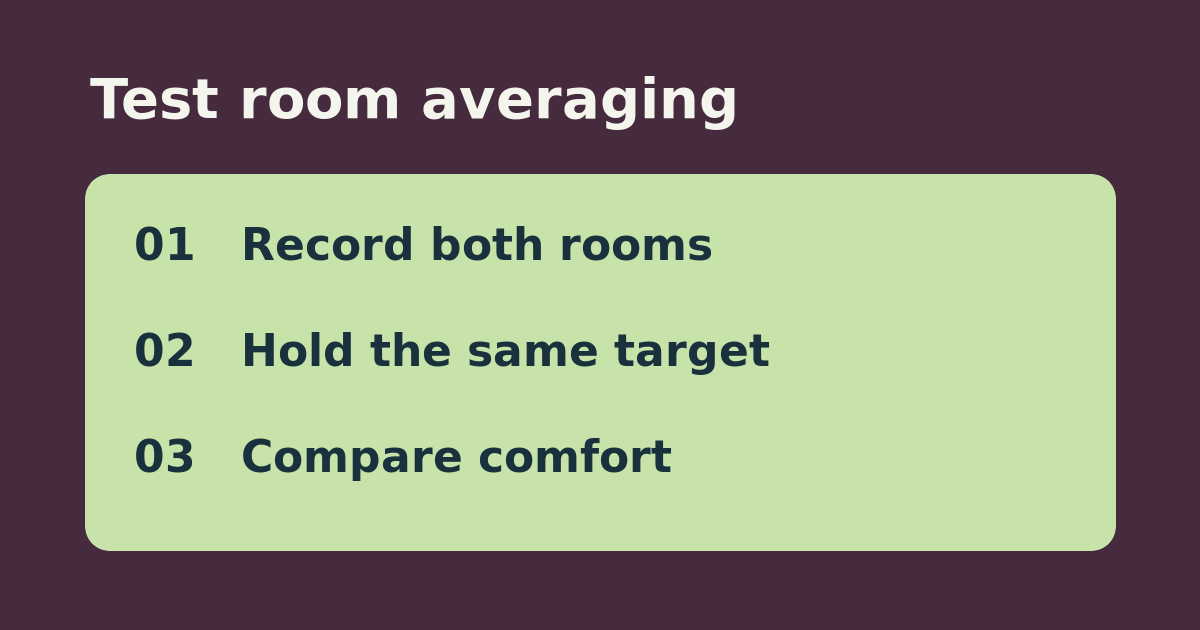
Pick a normal occupied time block. In the Google Home app, note the active sensor selection, target temperature, and each room’s reading. For example, an office at 73°F and bedroom at 67°F can look satisfactory when combined near 70°F, even if neither feels right. Compare a representative block using the room you care about most with a comparable block using the supported combined selection. Note room readings and comfort at the start and end. Keep the target and fan settings unchanged, and record obvious differences in sun or outdoor weather.
Let the room readings decide the purchase
If only one room matters at that hour and a single sensor works, schedule that room rather than buying another sensor. If both are occupied and combined selection improves comfort in both, keep it. If the combined value is acceptable but one room stays far off, an extra sensor will provide another reading but will not independently heat or cool the room. Look at placement or airflow before buying more. This is a comfort test, not a claim about energy savings.
See the official setup instructions. Related guide: choose a room and schedule for a Nest sensor.