If you need footage when nothing moves, check whether your exact Reolink setup supports scheduled continuous recording. A successful motion clip does not prove quiet minutes are retained.
Set up the test
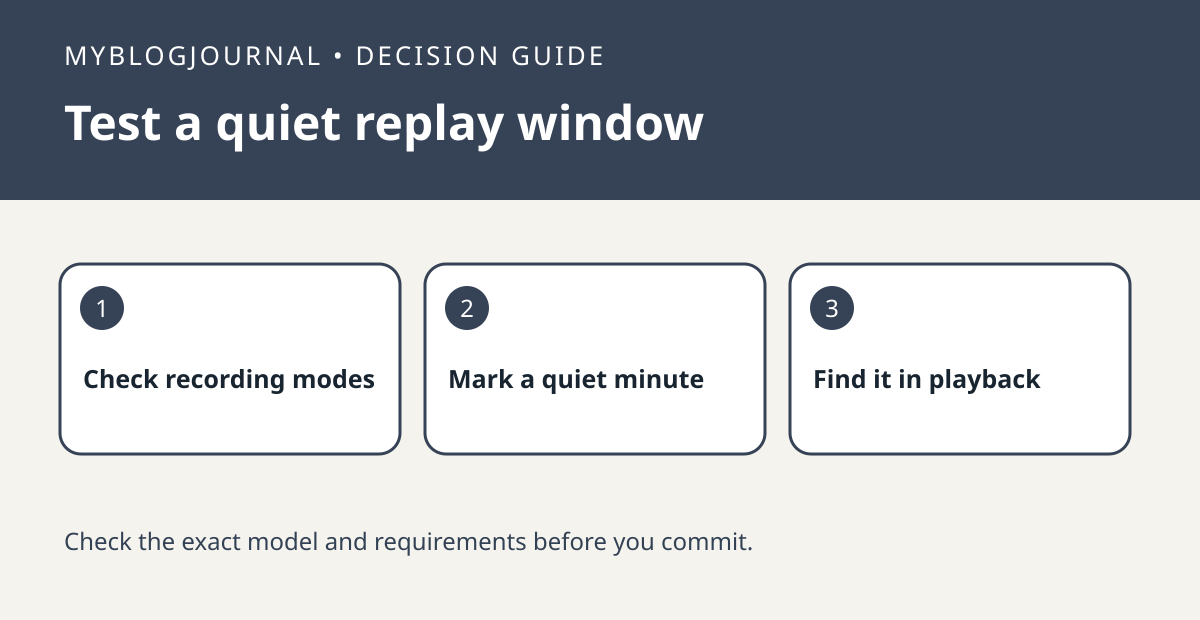
Choose a nonprivate scene and verify your model, recorder and storage destination against Reolink’s instructions. Note a short test window with a quiet minute followed by a deliberate motion event. Record the exact channel and time so you can distinguish missing footage from the wrong playback view.
Interpret the result
Review the entire window after the trial. If you can only find the motion event, check the recording mode, schedule and playback filter before buying more storage. A supported continuous trial should be evaluated separately from alarm recording, and longer retention depends on your actual setup and storage.
Worked example
If your only goal is to replay a visitor approaching the door, event clips may be enough. If you need to see a quiet interval before an event, confirm that specific minute exists before pricing a larger drive.
Documentation and next step
See the official documentation for supported settings. For a related decision, see reolink microsd overwrite retention check.