
When a Home Assistant template wraps a sensor, don’t interpret missing data as a real zero unless that is intentionally what your decision needs.
Set up the test
Identify the source entity and check its state during a normal reading and when it is unavailable. Use Home Assistant’s template documentation and preview tools to verify the output before using it in a routine. Do not disconnect a safety-sensitive device to simulate a failure.
Interpret the result
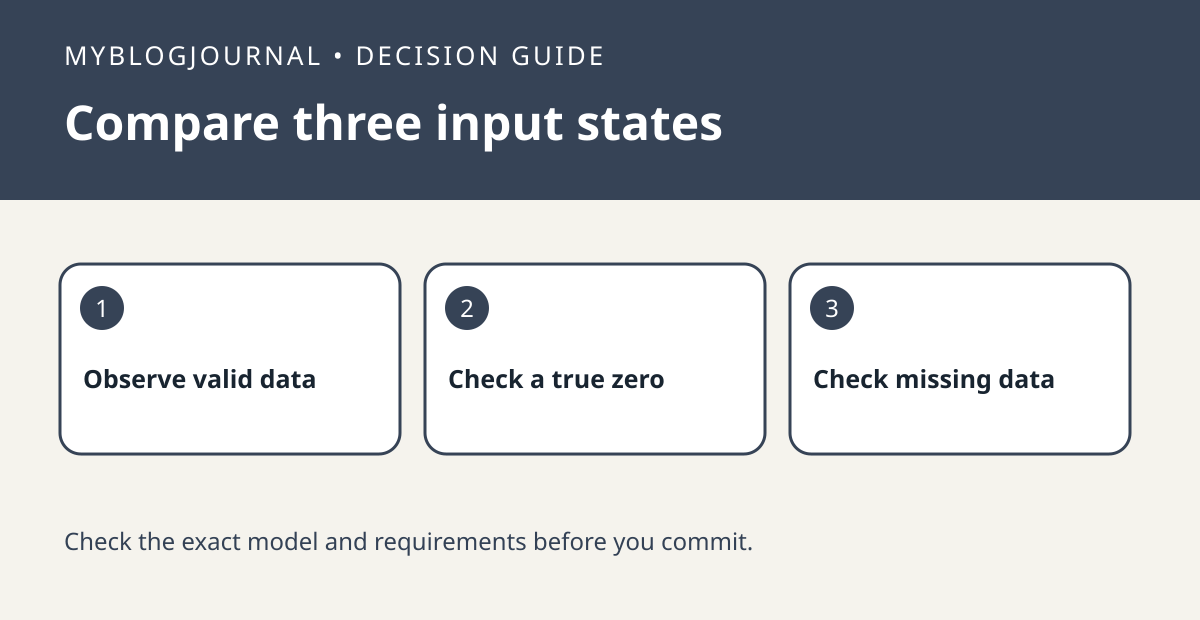
Write down the intended result for three cases: valid positive reading, valid zero, and missing data. Check whether a template availability condition fits the third case. Test any affected automation with harmless notifications before relying on the value for real equipment.
Worked example
A plug reporting zero watts can mean a measured device is off. An offline plug is not making that measurement. If a routine treats both as confirmation, keep those states separate before buying another sensor.
Documentation and next step
See the official documentation for supported settings. For a related decision, see home assistant history vs long term statistics test.


