
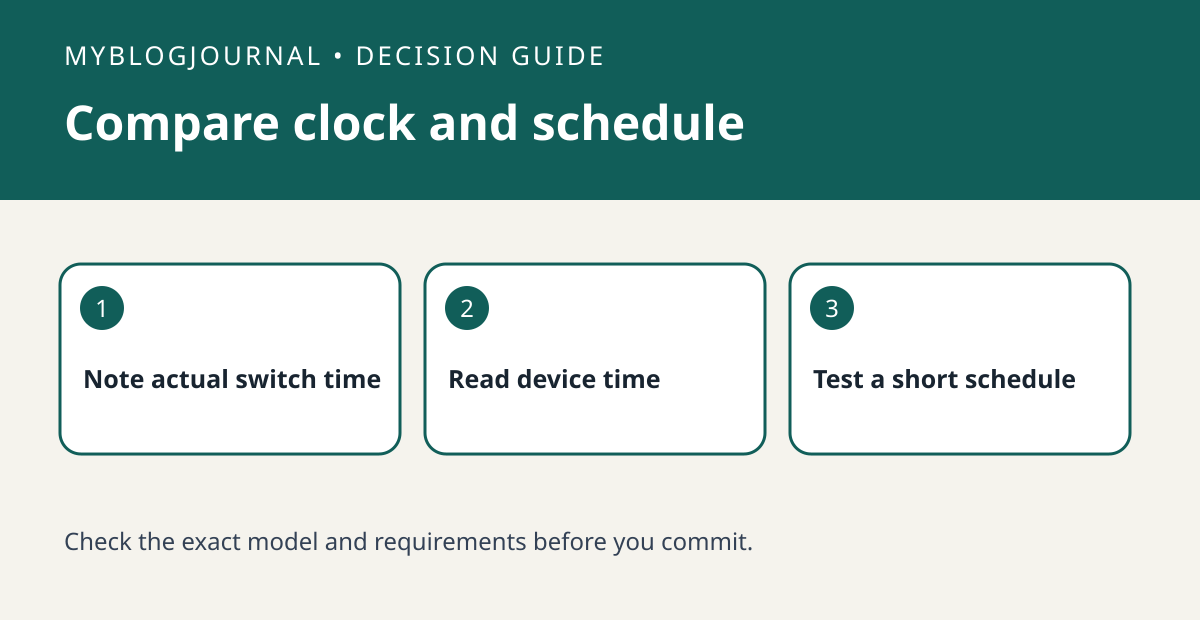
If a Kasa schedule runs consistently an hour early or late, compare the device’s time settings with the intended schedule before deleting rules or replacing the plug.
Set up the test
Choose a harmless lamp and note the scheduled and observed switch times. Check the device time and region using TP-Link’s instructions for your app. If the offset is consistent, preserve the original rule while you investigate time rather than editing every schedule to compensate.
Interpret the result
After correcting an intentional time-setting mismatch, create a temporary test a few minutes ahead. Watch the physical lamp and remove the temporary rule afterward. If the switch time is correct but the lamp stays dark, check the lamp’s own switch and whether it resumes when power returns.
Worked example
For example, a lamp scheduled for 7 p.m. that switches at 8 p.m. every day points to a different check than one that misses only occasional events. Record both times before changing settings.
Documentation and next step
See the manufacturer’s instructions for supported settings. For a related decision, see kasa away mode vs fixed schedule lighting check.


