
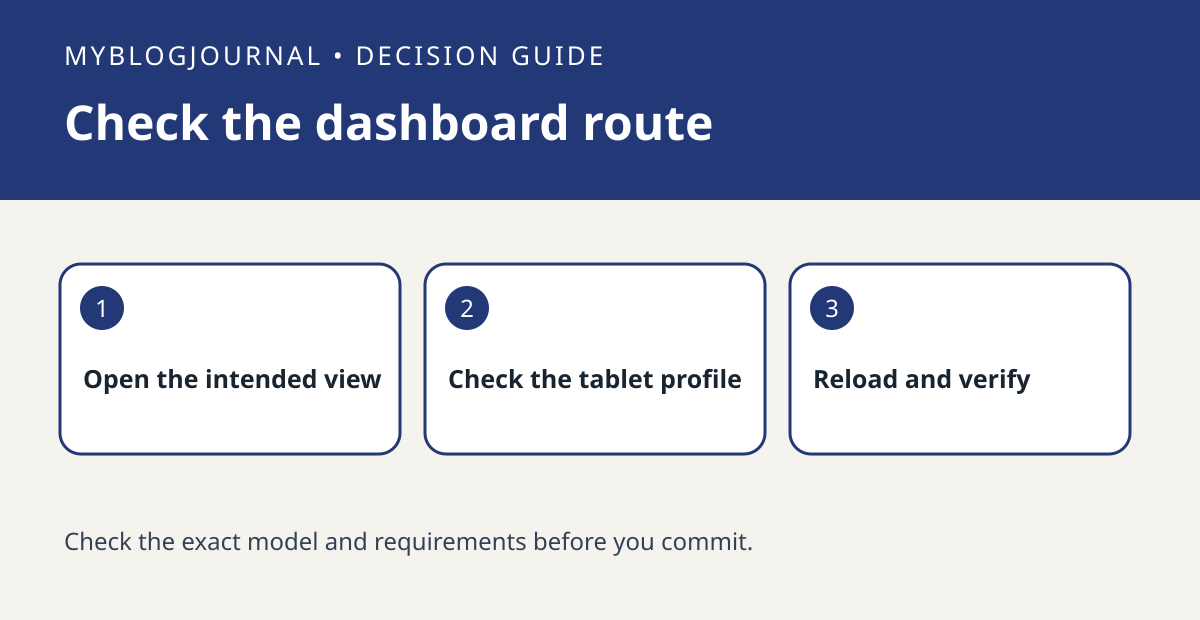
If a wall tablet opens the wrong Home Assistant dashboard, check the default dashboard for that device before buying a different tablet.
Set up the test
On the tablet, open the intended dashboard from the sidebar and verify that the controls you need appear. Record the dashboard name and the active user. If a direct bookmark is already in use, compare it with the dashboard reached from the normal Home Assistant entry point.
Interpret the result
Review Home Assistant’s documented dashboard default options in the tablet’s profile. Change only the default selection, then close and reopen the usual entry point. Do not treat a different landing dashboard as an access restriction or change household permissions to fix a shortcut.
Worked example
If a bookmark opens a specific view but the normal app entry opens Overview, document which route you use every day. Test the new default there before buying dedicated display hardware.
Documentation and next step
See the manufacturer’s instructions for supported settings. For a related decision, see home assistant history vs long term statistics test.


