
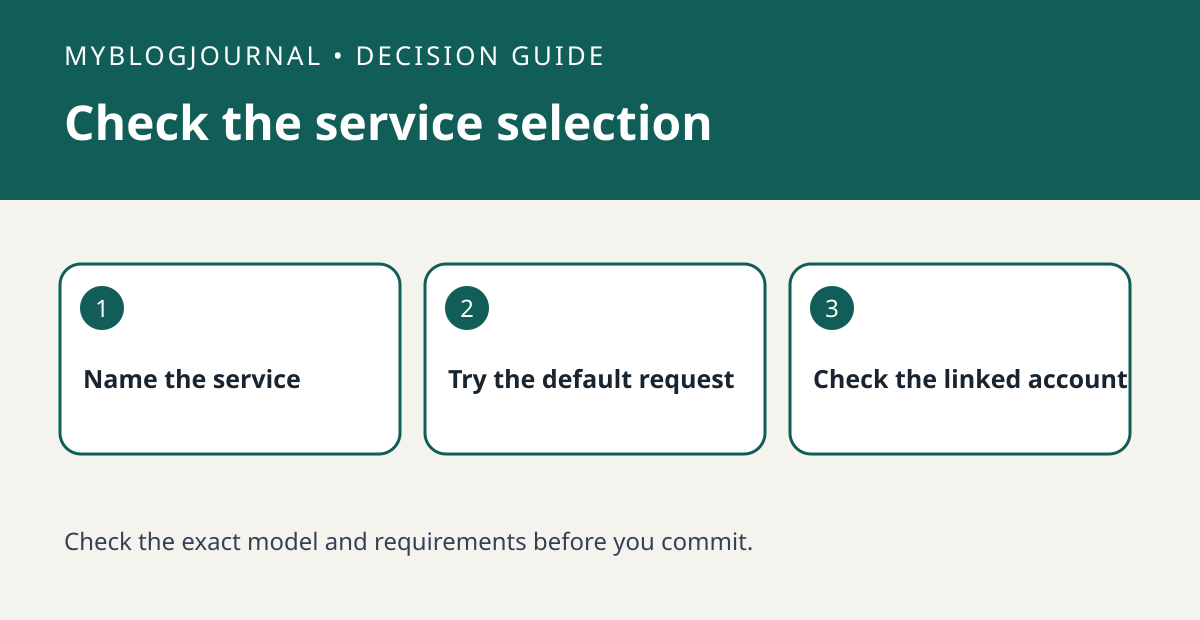
If a shared Google speaker chooses the wrong music service, test an explicit request and the default request before paying for another subscription.
Set up the test
On the same speaker, request a familiar track while naming the service you already use. Then repeat without naming the service. Record the service selected and whether the requested track was available. Use a track you can verify on the existing account.
Interpret the result
In Google Home, verify which Google account is active and which service is linked or selected as default. If another household member gets a different result, repeat with their consent and review their account configuration separately. Don’t share sign-in credentials to make the comparison.
Worked example
If naming your service works but the shorter request selects a different provider, focus on defaults before assuming your subscription does not work on the speaker.
Documentation and next step
See the manufacturer’s instructions for supported settings. For a related decision, see google nest guest mode vs turning off personal results.


