
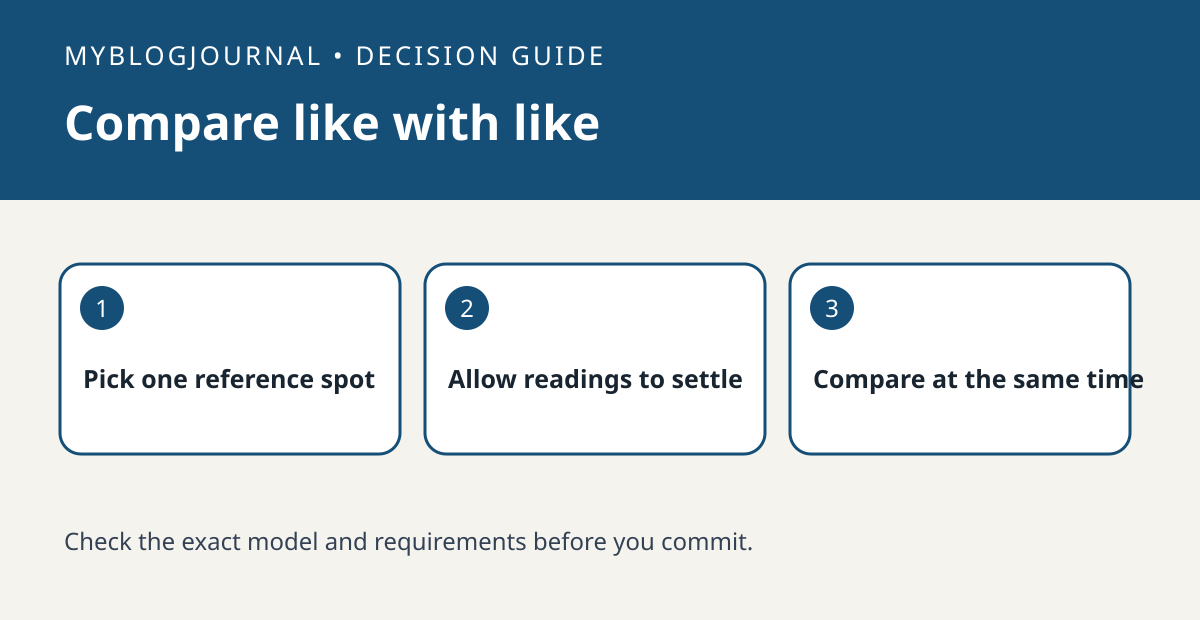
If a second-generation HomePod reading differs from a thermostat across the room, compare measurements in the same spot before buying a sensor.
Set up the test
Apple notes that the sensor is designed for indoor conditions and may be less accurate during extended high-volume playback. Keep the HomePod in its normal position and place a reference thermometer nearby without obstructing the speaker. Let both readings settle before recording the values.
Interpret the result
Repeat at a similar time with playback quiet and note nearby heat, drafts or sunlight. Do not change heating or cooling rules based on one comparison. If the goal is to measure another part of the room, a different reading may reflect a real location difference.
Worked example
If the thermostat is in a hall and the HomePod sits beside a sunny window, neither reading alone tells you the temperature at a desk. Decide which location matters before spending money.
Documentation and next step
See the manufacturer’s instructions for supported settings. For a related decision, see switchbot meter reading difference before calibrating.


