
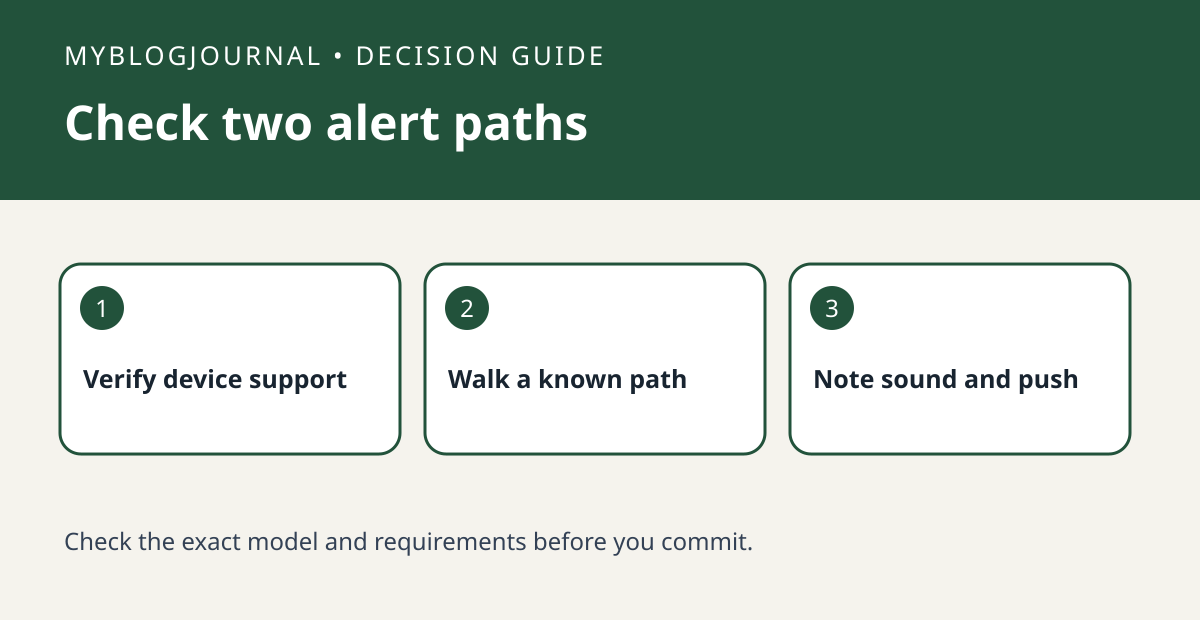
A Ring motion alert on your phone does not prove the camera played a spoken Motion Warning. Test the two outcomes separately.
Set up the test
Check whether the exact device and account support Motion Warning in Ring’s documentation. In a nonprivate area, ask a consenting household member to cross a known part of the camera’s view. Note whether they heard a message and whether your phone received a push notification.
Interpret the result
Keep other detection settings fixed during the test. If the push arrives without a spoken message, check Motion Warning availability and its setting before replacing the device. If neither occurs, check that the motion event was detected first.
Worked example
This is separate from Quick Replies, which serves a doorbell greeting task. A person passing the camera without pressing the doorbell is the useful comparison for Motion Warning.
Documentation and next step
See the manufacturer’s instructions for supported settings. For a related decision, see ring quick replies vs saved visitor message check.


