
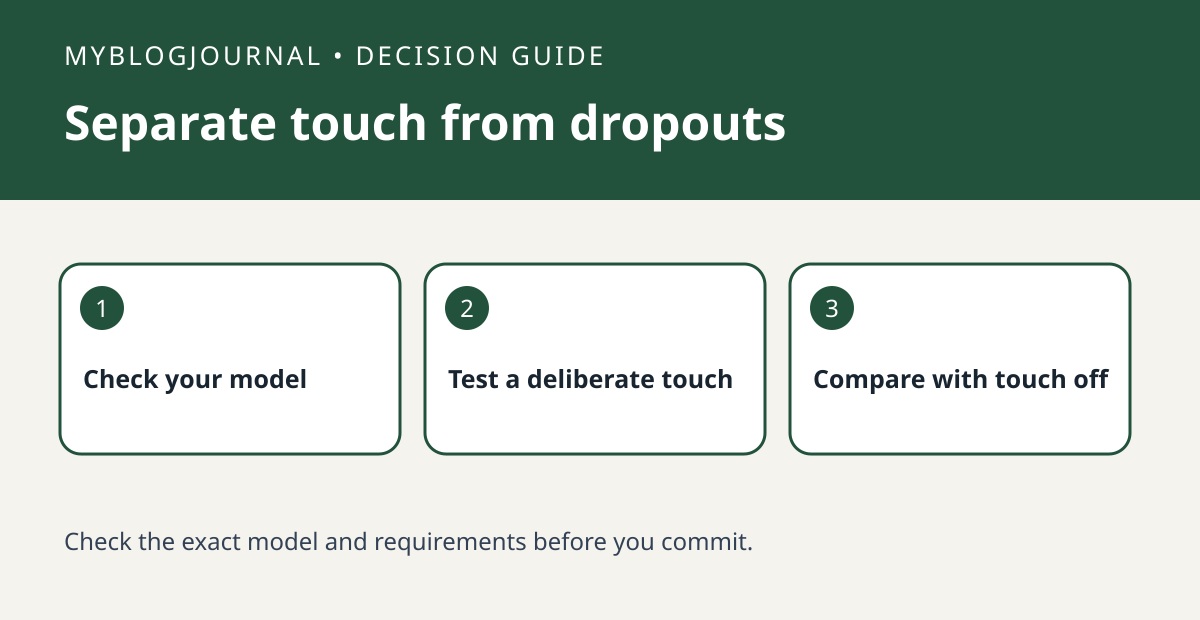
If music stops when someone touches the top of a Sonos speaker, check the supported touch controls before treating it as a network dropout.
Set up a controlled test
Identify the exact speaker and check Sonos’s control diagram. Choose one room and a familiar track. Try a deliberate play/pause gesture and confirm what the app shows when the speaker pauses. Do not assume all Sonos speakers have the same controls.
Read the result
If your model lets you disable its touch controls, record the original setting and temporarily turn them off. Keep the source and speaker location unchanged. If playback still stops with nobody touching it, investigate the source or connection separately.
Worked example
For a speaker beside a busy countertop, a repeated pause that follows contact but disappears when touch is off is a reason to adjust placement or controls before buying a replacement.
Documentation and next step
See the manufacturer’s instructions for supported settings. For a related decision, see sonos room volume limit vs volume slider.


