
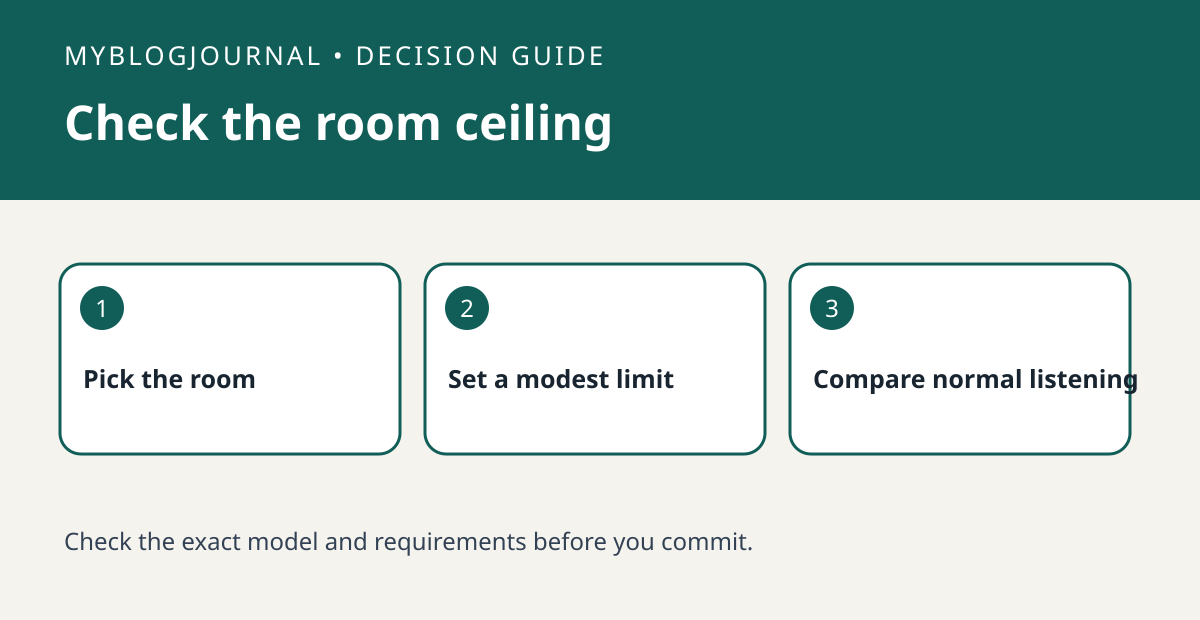
Use the room’s volume limit when you want a ceiling, not just a lower volume for the current track.
Set up a controlled test
In the Sonos app, select the room you intend to limit and write down its original setting. Use a familiar track at a comfortable volume. Change the room limit only; leave EQ and the track source alone. Avoid turning the system up abruptly just to find the new ceiling.
Read the result
Compare ordinary listening before and after. Sonos says the displayed slider still spans its full range after a limit is set, so the same displayed number need not mean the same output. Check another room separately before assuming you changed it too.
Worked example
If a guest room is the only one that needs a ceiling, configure and check that room instead of turning down the whole group. Keep the previous limit in your notes so you can undo the change.
Documentation and next step
See the manufacturer’s instructions for supported settings. For a related decision, see sonos surrounds ambient vs full music test.


