
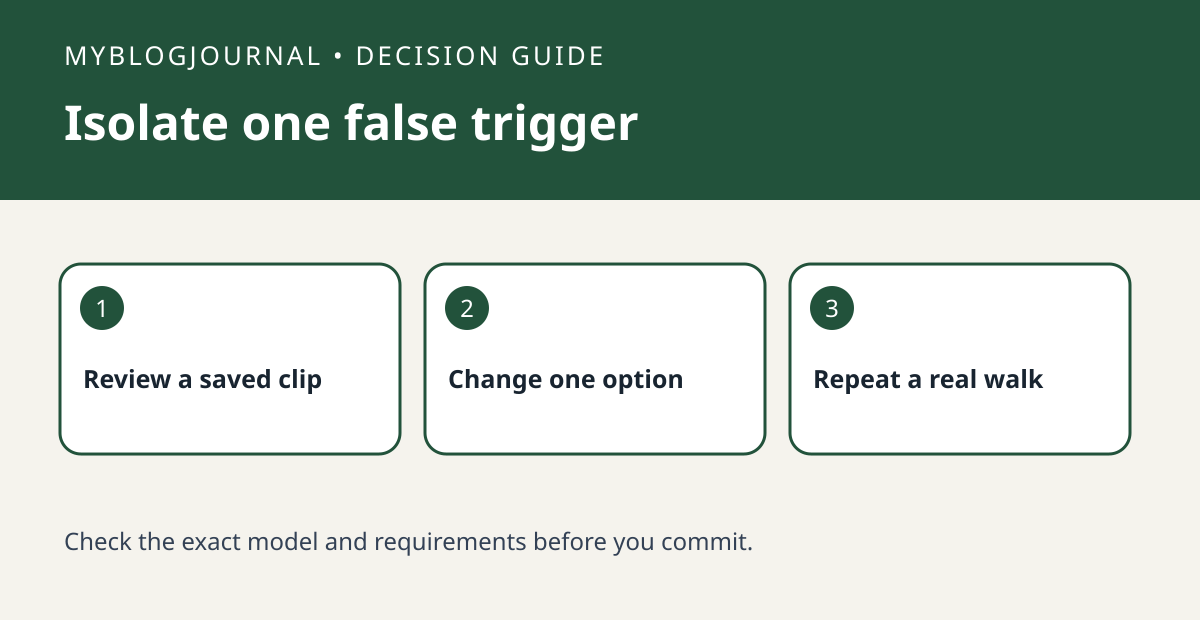
If rain or insects fill a Tapo camera’s event history, review a saved clip and change one detection setting at a time. Check that the camera still catches a real person afterward.
Set up a controlled test
Start with two or three nuisance clips from the same camera. Note whether the motion appears close to the lens, in one part of the view, or across the whole image. Use the documented options available for your model, such as a detection zone or a supported detection type, rather than assuming every Tapo model offers the same controls.
Read the result
After changing a setting, repeat a deliberate walk through the part of the scene you still need covered. Compare the saved event and notification separately. If nuisance clips fall but the walk also disappears, roll back and choose a narrower adjustment.
Worked example
For example, if a waving branch occupies one corner, try excluding just that corner while preserving the walkway. A global sensitivity change affects more of the image and makes the result harder to interpret.
Documentation and next step
See the manufacturer’s instructions for requirements and settings. For a related decision, see reolink privacy mask vs motion zone recorded view check.


