
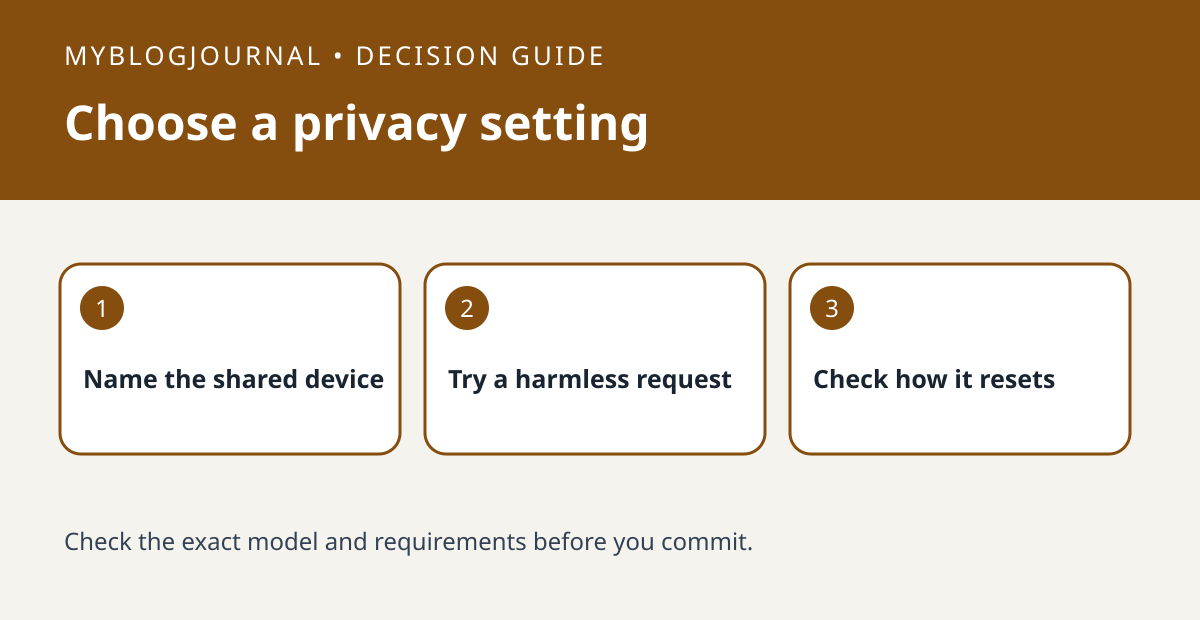
For a short visit, test Guest Mode on a supported Google Nest speaker or display. For an ongoing shared-room policy, review Personal Results separately rather than treating the two settings as interchangeable.
Set up a controlled test
Choose one supported device and use a harmless request that does not reveal calendar details or contact names. Ask Google Assistant to turn on Guest Mode, confirm the device acknowledges it, and test an ordinary shared task such as a timer. Google describes feature limits in Guest Mode; a working timer does not mean personal features remain available.
Read the result
Anyone can ask a supported device to leave Guest Mode, so do not rely on it as a lock. If the speaker lives permanently in a shared room, check the Personal Results settings for that device and household accounts rather than expecting a temporary mode to enforce a lasting policy.
Worked example
If you want guests to set a kitchen timer but not use your personal features, test the timer in Guest Mode and review what a guest can change before relying on that setup.
Documentation and next step
See the manufacturer’s instructions for requirements and settings. For a related decision, see google nest night mode vs media volume test.


