
Before buying a second HomePod for Intercom, test whether an existing room or eligible personal device already receives the messages you need.
Run a controlled check
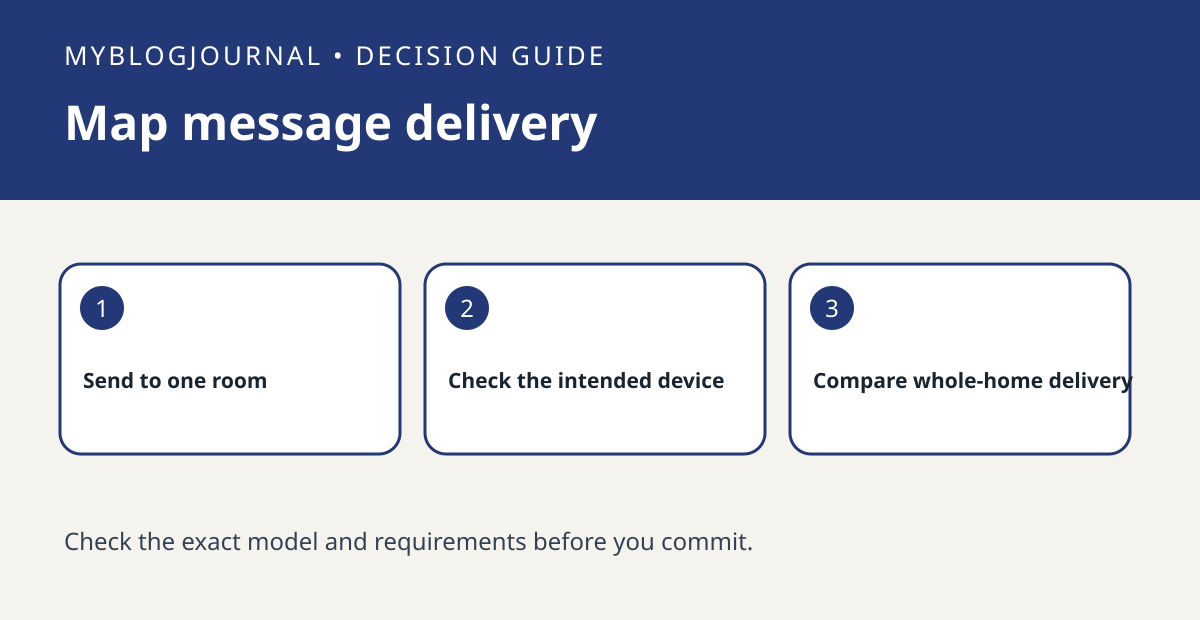
With household permission, send an innocuous message to a named room using Apple’s guidance. Ask a person in that room what played and whether their personal device displayed anything. Repeat with a whole-home message. Write down the actual target and each device that received it rather than assuming all members have the same settings.
Decide what to change
If a room speaker works but someone’s phone does not receive messages, check that person’s Intercom settings and eligibility before spending on hardware. If you need a message heard in a specific room without relying on a phone, test the distance and background noise there first. Do not use this trial for urgent or safety-critical announcements.
Worked example
Example: if the kitchen speaker receives a room message and a family member’s phone only receives the whole-home test, write down those two outcomes separately. Buy for the missing use case, such as an audible message in an unserved room, not to fix a phone delivery setting.
Documentation and next step
See the manufacturer’s instructions for supported settings and model requirements. For a related setup decision, see homepod handoff vs airplay transfer test.


