
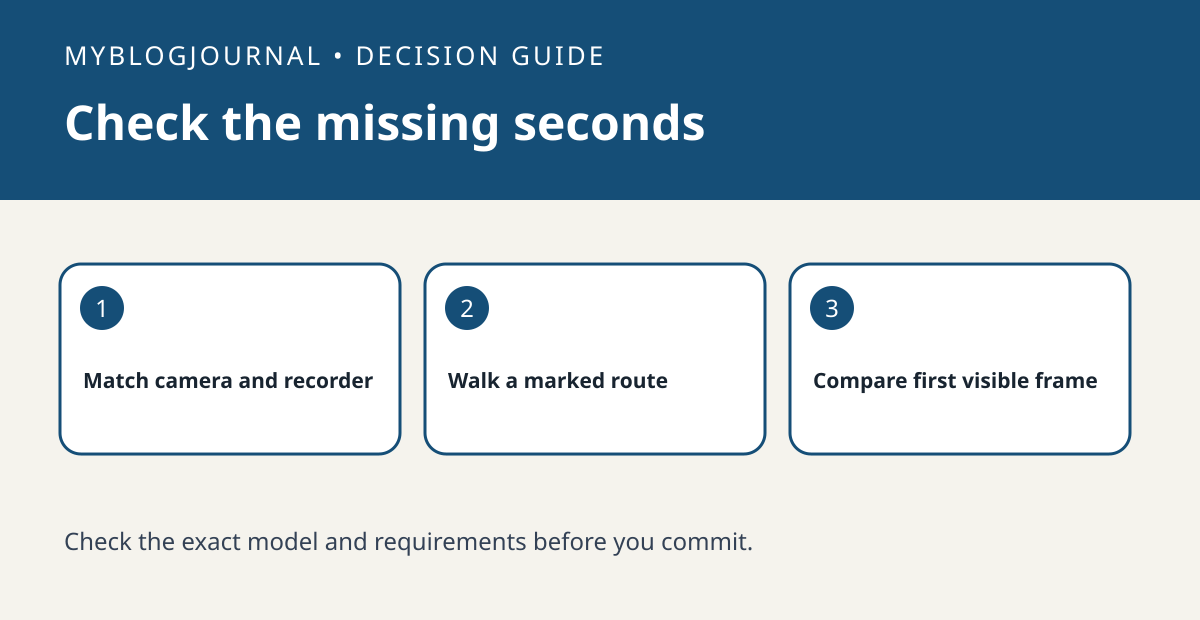
If a Reolink clip starts after someone is already at the door, check whether your exact camera and recording setup can save footage from before the trigger before upgrading storage.
Check the recording combination
Reolink documents pre-motion recording and separate requirements for some battery-powered models. Check the camera model, recorder and storage destination you actually use. An option in one model’s guide does not establish that another camera or recording path supports it.
Review the clip from the intended destination
Have a consenting person walk a marked route at a known time. Open the saved event from the card, recorder or other destination you rely on, and note the first visible point in the clip. Compare another trial after changing only the supported setting. If a blind spot hides the approach in live view, additional footage cannot recover what the lens never saw.
See the manufacturer’s guidance for current requirements. Related: reolink nvr hardware version new camera fit.


