
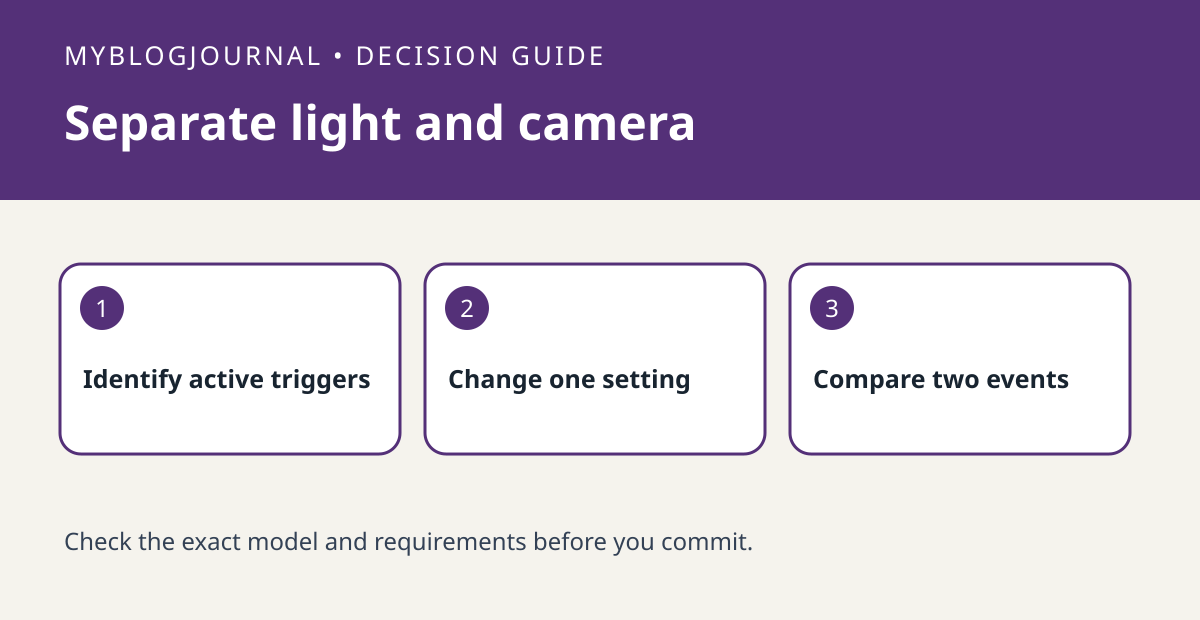
Before replacing a Nest Cam with floodlight because the light fires too often, check whether the light is responding to its motion sensor or to a camera event. Google documents these as separate settings. A camera Activity Zone does not necessarily change what the floodlight’s own motion sensor detects.
Record one repeatable event
Note the time, where the activity occurred, whether the light turned on and whether the camera logged an event. For example, if someone passes outside the area you selected for the camera but the light still turns on, inspect the light’s motion setting rather than assuming the camera zone is broken. Check the available options on the exact model in Google Home.
Change only the relevant input and retest
With a willing helper, repeat a walk in the area you want lit and another along the unwanted path. Keep a simple before-and-after log. If the camera records correctly but the light does not behave as expected, avoid changing recording settings just to quiet the light. Do not alter wiring or depend on the test as proof of security coverage.
Source: manufacturer’s current documentation. Related: compare a separate Nest recording decision.


