
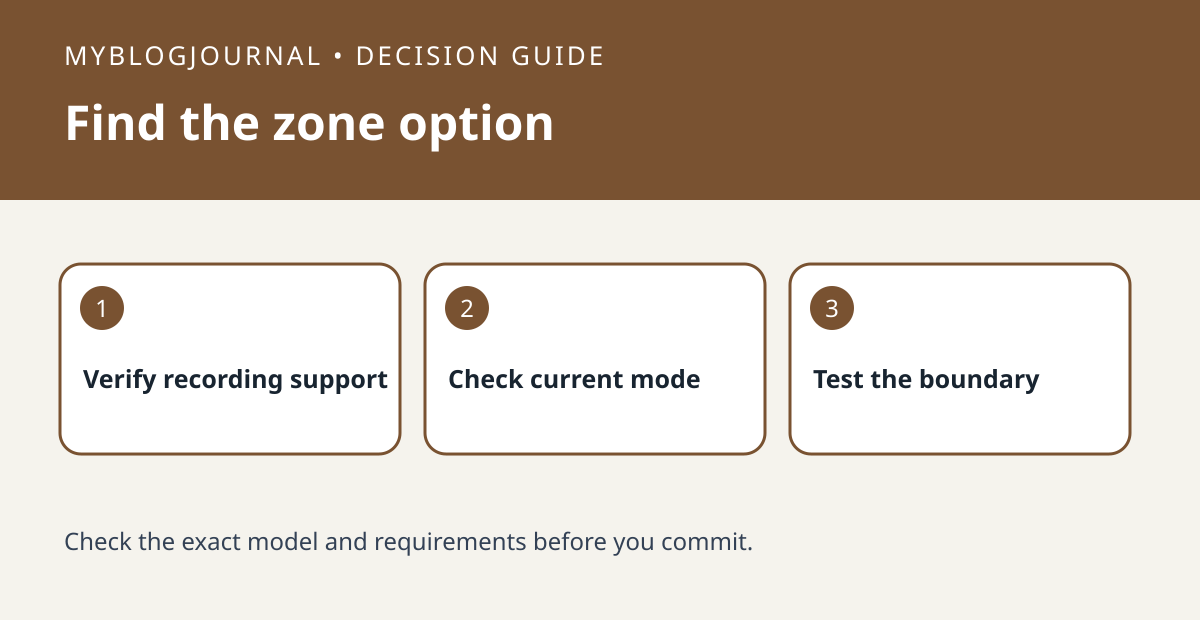
A live picture in Apple Home does not by itself establish that you can draw an Activity Zone. Apple’s Home guide describes zones for HomeKit Secure Video and tells readers who cannot find the option to check that recording on motion is selected. Check the exact camera’s recording support and intended home or away mode before buying new hardware.
Define what you want the zone to accomplish
For example, you may want activity on the front walk but not activity on the public sidewalk. Write down the expected notification or recording result, then review the current settings for that camera. Do not treat a zone as a privacy mask: a region that does not trigger activity can still be visible in the live frame.
Compare two timestamped events
With someone who agrees to help, create an event inside the intended zone and another outside it. Note which notifications and recordings appear under the same mode. If the option is still missing, confirm that recording rather than streaming alone is available and configured on the camera. If the view itself must not include part of the scene, address framing or a supported privacy control separately.
Source: manufacturer’s current documentation. Related: distinguish live view from Secure Video.


