
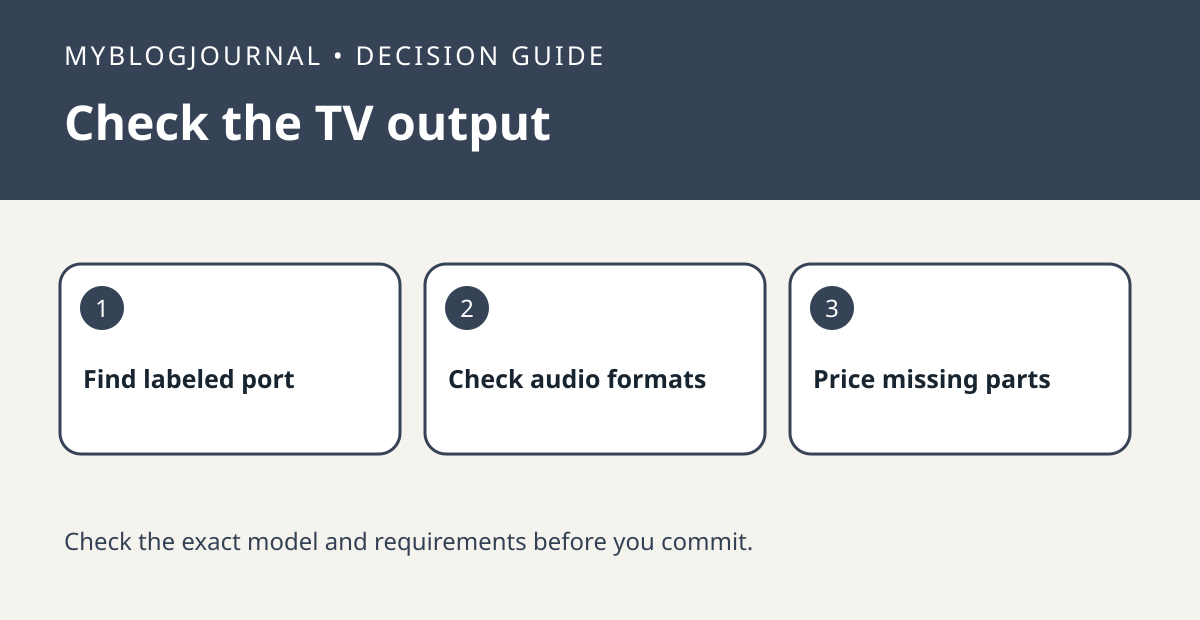
Do not assume an unused HDMI socket can send TV audio back to a Sonos Beam. Look for the TV port specifically labeled ARC or eARC and confirm it in the manual. Sonos also documents an optical adapter path for a compatible digital optical output, but the connection type can affect features you care about.
Inventory the TV, not just its HDMI count
Record the exact model, the label on each relevant port, and which connected sources you use. If a seller says a used TV has four HDMI sockets but cannot confirm ARC, leave the ARC field unverified. If the TV has only optical, check the Beam generation and whether the needed Sonos adapter is included in the bundle. Add a missing adapter as its own cost rather than treating the price of a bare bar as the total.
Choose a test for the feature you need
For basic dialogue, verify sound from a built-in app and one external source. If you also require a particular surround format or TV remote behavior, confirm the TV’s output, the Beam’s supported inputs and the source format separately. Sound playing in one app does not prove all sources are configured the same way. Use the exact Sonos model guide before spending on another cable or replacing the television.
Source: manufacturer’s current documentation. Related: check the companion setup or buying guide.


