
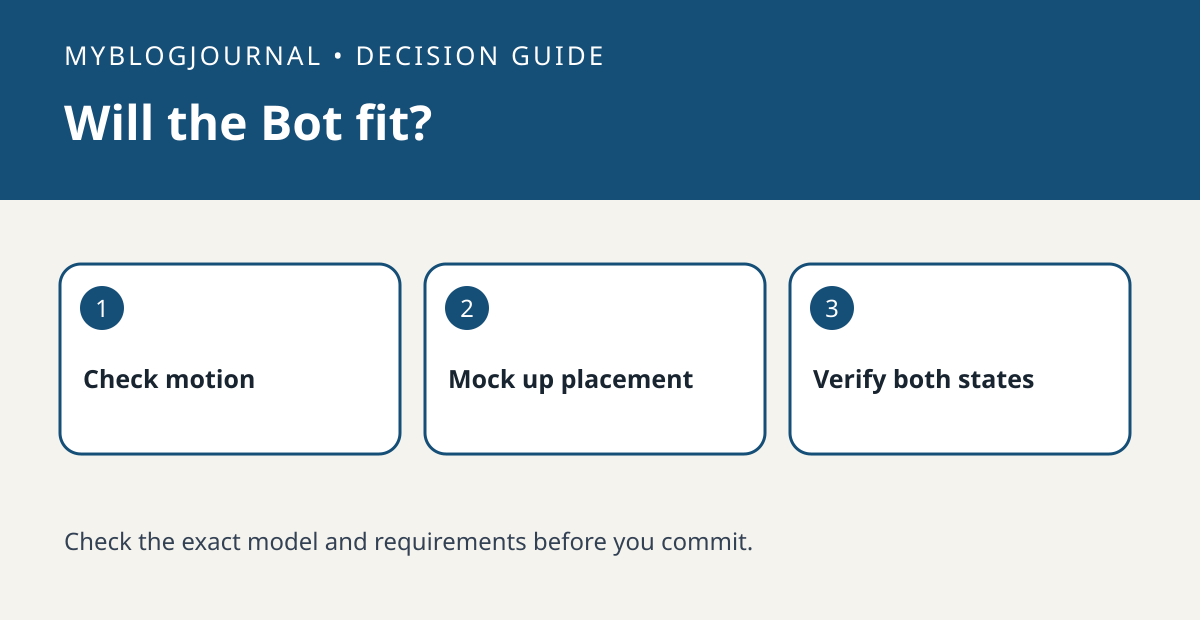
Buy a SwitchBot Bot only after checking the switch movement and the mounting space. A momentary push button is not the same job as a rocker you need to move in both directions. SwitchBot documents Press Mode and Switch Mode and supplies an add-on for push-and-pull operation on compatible rockers.
Trace the motion before attaching anything
Watch where your finger lands and which part of the switch moves. Check that a stable, flat mounting area can hold the Bot body without blocking another control or the switch’s manual use. Hold a paper outline based on the manufacturer’s dimensions where you plan to mount it. Treat the outline as a clearance check, not proof of fit or adequate force. Compare the lever position and the rocker add-on placement with the manufacturer’s installation guide.
Decide whether you need state or just a press
A desk lamp with a simple rocker should have two physically observable outcomes. A button that toggles an electronic device may behave differently after someone presses it manually; sending another press is not proof of its state. Test one manual change and both app actions before relying on schedules. If you need control away from home, list the compatible hub separately from the Bot rather than assuming a local Bluetooth setup includes it. Skip any use where an unexpected activation would create a hazard.
Official documentation: manufacturer’s current guide. Related decision: compare the requirements for a replacement smart dimmer.


