
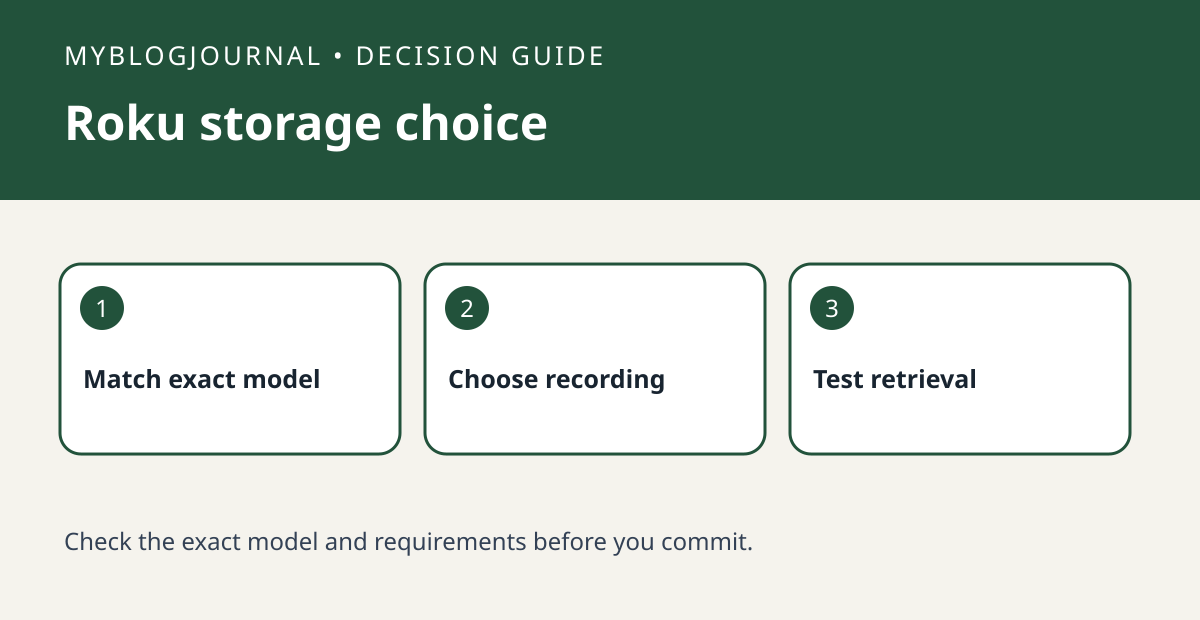
Before buying a microSD card for a Roku Smart Home camera, match the exact camera to Roku’s supported list and decide what kind of recording you want. Roku documents event recording through its subscription separately from supported on-camera card storage. A Roku doorbell and an indoor camera should not be assumed to take the same card or offer the same playback workflow.
Make two separate rows on your shopping list
In the first row write “local card recording,” then add the camera model and Roku’s supported card specifications for that model. In the second row write “event recording,” then note the app workflow and subscription requirements described for your camera. Leave an unknown row blank rather than counting it as included. If the whole purchase depends on reviewing footage away from home, verify how Roku says you can retrieve the type of recording you picked; the ability to save locally does not prove remote playback in the format you want.
Test the retrieval path during the return period
Walk through the scene at a known time, then check the source you actually expect to use. Can you locate the clip, identify the time and review it without extra hardware? If not, note whether the problem is a missing recording, the wrong recording mode or an inaccessible playback path. That tells you what to fix before buying a second card or a subscription that may solve a different problem.
Official documentation: manufacturer’s current guide. Related decision: check microSD card compatibility and endurance.


