The Cube T1 Pro is easy to misunderstand if you shop by the list of gestures alone. A command available in Aqara Home is not necessarily exposed in another app, and its two control modes cannot be combined into one unlimited gesture map. Decide where the command will run before buying or reconfiguring the cube.
Match the mode to the platform
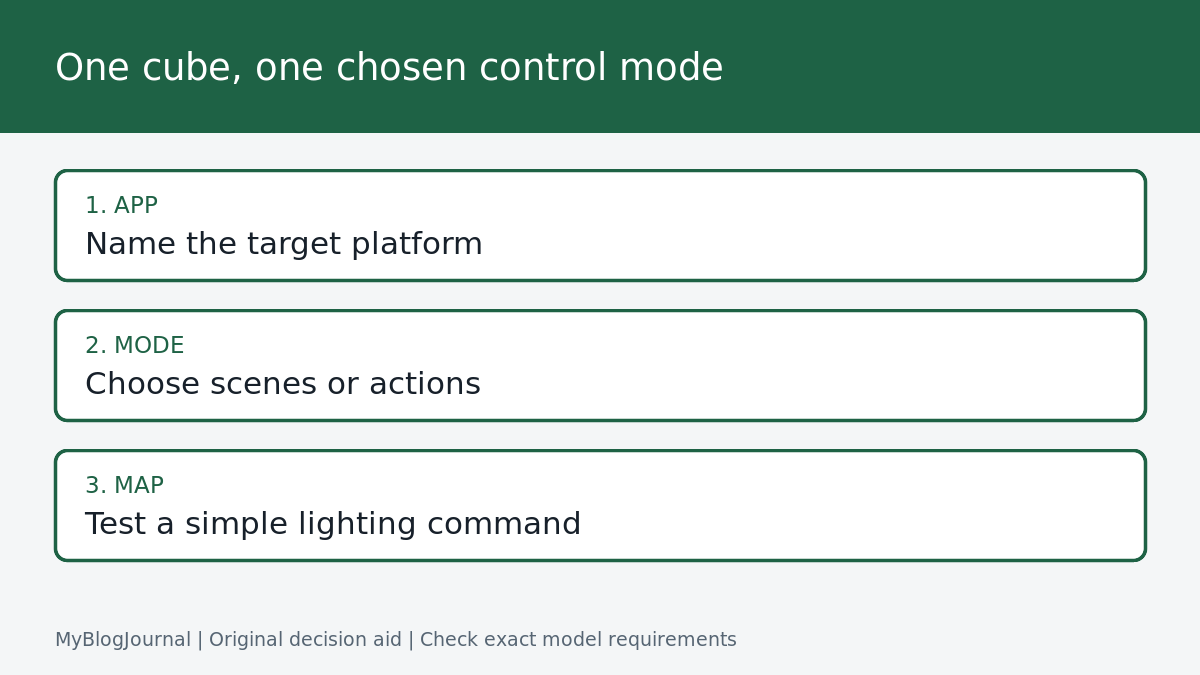
Aqara documents an Aqara Zigbee 3.0 hub requirement. Scene Mode lets the six faces select scenes or devices; in HomeKit, the cube is represented as six switch buttons corresponding to its sides. Action Mode offers the classic movement-based controls in Aqara Home. Aqara explicitly says Action Mode is only available there and cannot run simultaneously with Scene Mode.
That distinction matters more than the total number of advertised actions. If your plan depends on a particular rotation or shake reaching a third-party app, verify that exact exposure before paying. An ecosystem logo alone does not establish every gesture in every platform.
Build a small command map
Make a table on paper with columns for physical action, intended result and app that owns the automation. Start with two harmless lighting commands, such as one face selecting reading light and another selecting a dimmer scene. Use names describing the result, not unexplained numbers.
Do not assign your first experiments to unlocking doors, switching heaters or operating equipment that could be unsafe when triggered accidentally. A cube can be moved by someone who does not know it is a controller. Keep ordinary light switches and app control usable while learning the mapping.
Prove detection before blaming the destination
Confirm the cube appears through the supported hub and selected mode. Test one chosen face or action and observe whether the owning app registers the expected trigger. Then test the destination light or scene independently. If the light does not respond directly, buying another cube is unlikely to resolve that separate issue.
For example, a face can correctly trigger a scene while one lamp in that scene remains offline. Record those as two stages: trigger received and destination failed. Conversely, if the destination works from the app but the gesture never appears, inspect the mode, supported integration and command mapping.
Treat a mode change as a remapping decision
Before changing modes, save your existing assignments. Note which household members know them and which automations depend on them. Follow the manufacturer’s current switching instructions, then retest every intended command rather than assuming the old map transfers unchanged.
Leave unused faces unassigned initially, and place a simple command key nearby if others will use the cube. More possible gestures do not automatically produce a more usable controller. A two-command map that everyone understands can be a better outcome than a large map only its creator remembers.
Compare the full control cost
If a compatible hub already exists, compare the cube and any needed supported lighting. If it does not, include the hub in the total. Also compare a conventional supported button if the real need is just one on/off command. This is a specification-based selection and setup aid, not a claim of firsthand response testing or universal third-party compatibility.
Manufacturer documentation checked November 18, 2026: official model requirements and instructions. This is documentation-based guidance, not firsthand testing. Check the exact regional model and current availability before purchasing.
Related: separate a scene trigger from a failing accessory. Links are informational; no affiliate arrangement or earnings are claimed.