A smart button can pair with a hub without delivering every action you expected. Before buying several original THIRDREALITY Zigbee Smart Buttons for bedside and doorway controls, prove the desired commands with one. This guide concerns the original single-button product, not the separate three-button ZB2.
THIRDREALITY describes the original Smart Button as a Zigbee 3.0 device requiring a compatible hub or coordinator, sold separately. Its documented actions are pressed, double pressed and held, and the product uses two AAA batteries. The listed ecosystem routes include SmartThings/Aeotec, Hubitat, THIRDREALITY and Home Assistant; check current platform notes for the exact SKU and hub.
Do not infer that a phone’s Bluetooth radio replaces the required Zigbee connection. Likewise, a newer product with a similar name may have different buttons, battery arrangements and setup instructions. Match the listing, manual and physical product before assigning commands.
Choose three outcomes that people can remember
Use a simple map: press for reading light, double press for a room scene, hold for room lights off. That is an example layout, not a factory assignment. Record which app owns each automation and what device or scene it calls.
Avoid an experimental button map that opens locks or operates unsafe unattended loads. Keep a normal control available for the lights. Ask anyone else using the room whether a double press and hold are comfortable and memorable; a less complicated supported control may suit the household better.
Test the events before building large routines
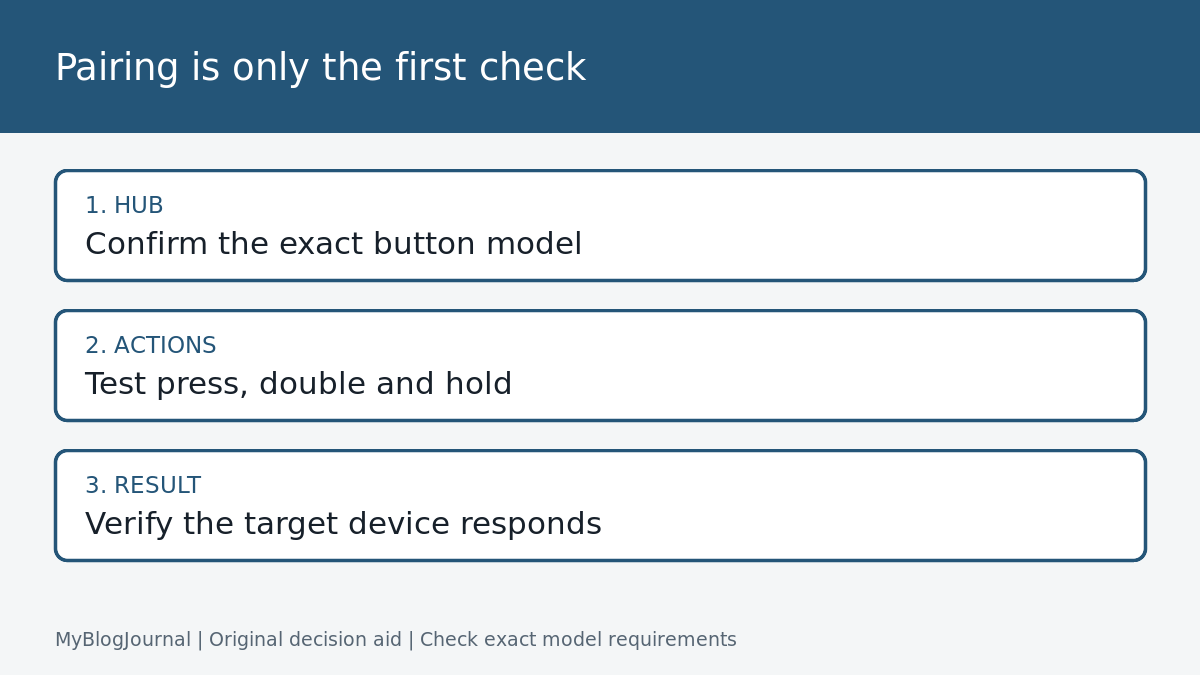
Add one button under the manufacturer’s and platform’s current instructions. In the platform’s device or automation interface, verify that each intended action can be selected or observed. Name the exact observed event. Do not treat a successful pairing message as proof that all three inputs are exposed.
First connect each supported event to a harmless, easily visible lighting action. Test the press, double press and hold separately, checking that one gesture does not unintentionally invoke another assigned result. If an event is missing, check firmware and platform support before copying a complex routine or buying another button.
Separate event failure from device failure
Suppose the held event appears in the hub but the room does not turn off. Test the destination scene directly and examine its devices. That is a different fault from the hub never receiving a held event. Write down the last stage that worked so troubleshooting does not jump between the button and the lights.
Repeat the useful map at the intended mounting position before sticking it permanently. A test next to the coordinator does not establish that every distant room will behave the same way. Note the actual location and any supported network improvement needed rather than buying a multipack on assumption.
Price the system, then expand
Include any missing compatible coordinator, batteries and permitted mounting materials in the first working-control total. When existing equipment is suitable, record it as reused rather than buying a second hub unnecessarily. Expand only when the observed actions, final results and household command map all meet the task.
This guide is based on current manufacturer documentation, not measured latency or battery-life testing. Its acceptance test is practical: the intended action is available, it causes the right result, and another household member can understand the control.
Manufacturer documentation checked November 18, 2026: official model requirements and instructions. This is documentation-based guidance, not firsthand testing. Check the exact regional model and current availability before purchasing.
Related: check the Zigbee coordinator needed by Home Assistant Green. Links are informational; no affiliate arrangement or earnings are claimed.