A manual sound proves only the manual path
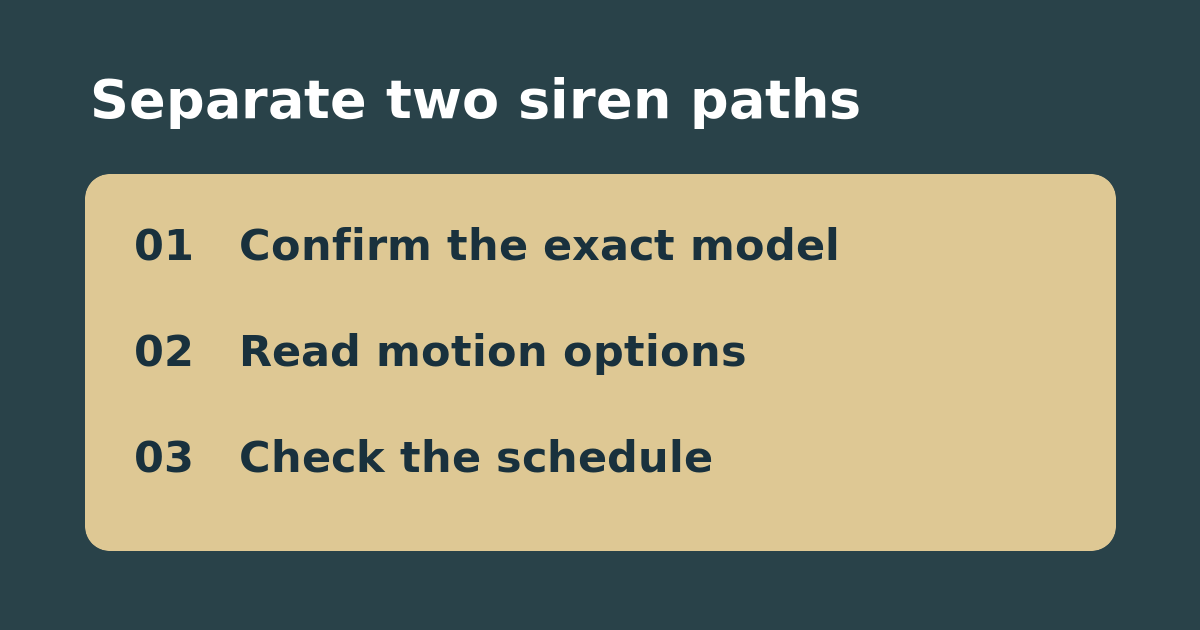
Hearing a Reolink siren from the app does not establish that the model can sound it automatically. Reolink lists the battery video doorbell as a manual-only exception. Other cameras differ in the settings they offer. Read the exact model name and look up its siren support before adjusting detection or buying another camera.
Use a quiet settings check first
Confirm whether the app offers automatic siren controls and, if supported, note the active schedule, channel, and detection type. Compare the timestamp and type of a saved event with those settings. For example, a vehicle event at 2 p.m. does not demonstrate a fault if the siren is only set for person events in the evening. Do not create a loud test in a shared space; if a permitted test is necessary, warn people nearby and use a short daytime window on property you control.
Identify the actual decision
If the model is manual-only, a motion-setting change cannot add automatic siren support. If automatic siren is supported but the event falls outside its schedule, correct only the applicable window or event type if that is appropriate for your household. If the expected event never records at all, investigate detection first. Restore temporary settings and do not rely on the camera as a life-safety alarm.
See the manufacturer’s guide. Related: check a Reolink spotlight’s event trigger separately.