A lamp can work at full brightness and fail at the low end
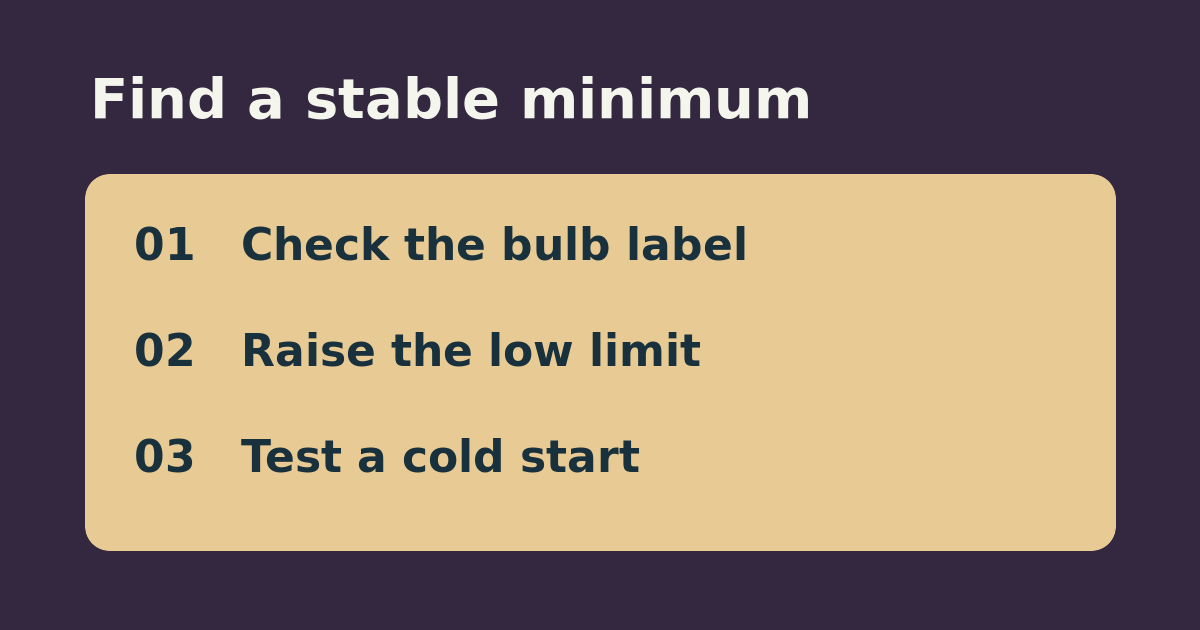
If an already-installed Tapo P135 lamp dimmer operates normally at higher brightness but the lamp flickers at the bottom of its range, first confirm the exact bulb is dimmable and compatible with the dimmer. TP-Link’s P135 guide recommends checking the bulb’s supported dimming type and recalibrating after a bulb change. Do not try to make a non-dimmable or incompatible bulb work by adjusting the range.
Find a stable floor instead of chasing one percent
Use the same lamp and bulb. Start at a moderate setting and step down in the app until you first notice flicker or dropout. Go back to the nearest clearly stable setting. For instance, if 15 percent looks steady but 10 percent pulses, start at 15 rather than trying to make 10 usable. Then follow the model’s dimming-calibration instructions. Switch the lamp off normally, let it sit for a moment, and confirm it starts at the new low setting. A lamp that can dim down to a level may still start unreliably at that level.
Use the result to decide what to replace
If the new floor is stable and dim enough for the job, keep the bulb. If it still flickers at ordinary brightness, or the stable floor is too bright for your use, consult the dimmer and bulb compatibility information before buying a compatible replacement. Treat burning odor, visible damage, or abnormal heat as reasons to stop using the equipment, not as calibration problems. Do not change wiring or test a questionable load.
See the manufacturer’s instructions. Related: compare switching a lamp and dimming it.