Name the problem before shopping
If voices are hard to follow, you may be tempted to replace the speakers. But the right first test depends on whether voices are unclear throughout a scene or whether effects are simply too loud when dialogue is comfortable. Apple lists Enhance Dialogue and Reduce Loud Sounds as separate controls on Apple TV 4K. Availability and choices can depend on the output and software. Check the active audio destination before comparing, and do not assume the same setting applies to a game console or a separate TV app.
Compare one minute at a fixed volume
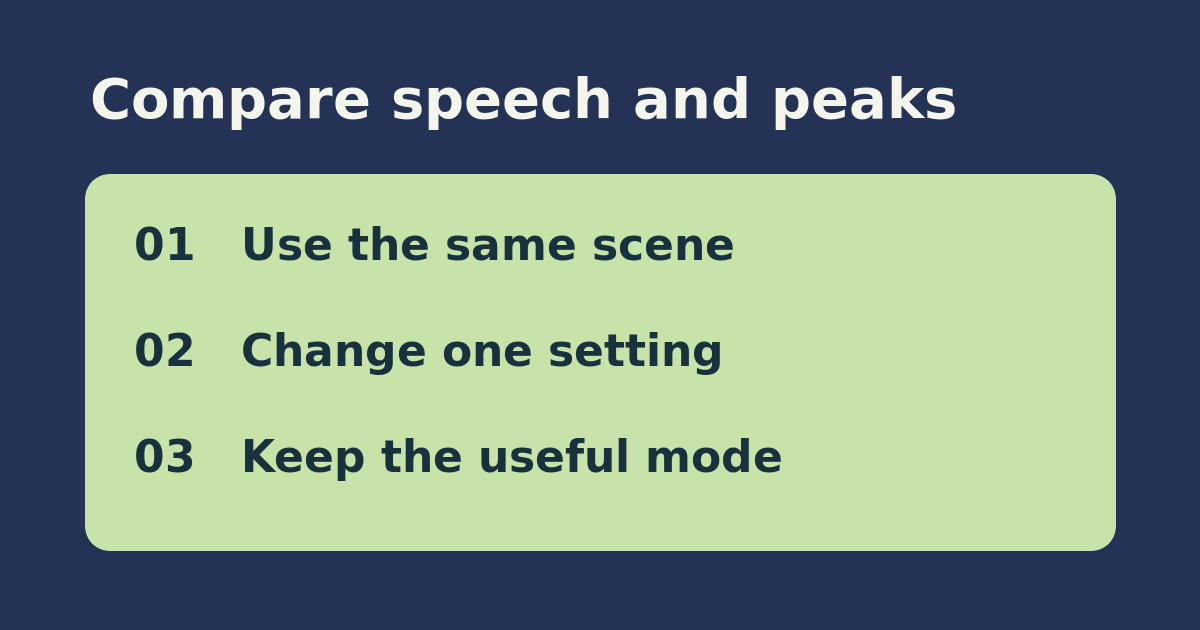
Pick a scene with a quiet conversation and one obvious music or effects peak. Turn subtitles off temporarily only if comfortable, sit in the same place, and choose a modest baseline volume. Play the minute with the settings off if possible. Replay with only Enhance Dialogue changed; note which words become easier. Restore it and replay with only Reduce Loud Sounds changed; note whether the peak is easier to tolerate. Avoid changing the speaker destination, track language, or room volume mid-test.
Choose by outcome, not by the louder trial
If the first option helps speech without an unpleasant change in the rest of the mix, keep it for that use. If the second helps because peaks no longer make you reach for the remote, keep that setting for late viewing. If neither helps, test a second app or a known clear track before pricing replacement speakers. If the controls are missing, confirm model, software, and audio output in Apple’s guide before assuming hardware is defective. Restore your original settings if you prefer the baseline.
See the official setup instructions. Related guide: check which audio sources reach a HomePod.