Define the review you actually need
A camera at the driveway and one at the porch can each have a usable recording but still be awkward to review side by side. If you only need to see the route, synchronized lower-detail playback may be enough. If you need close detail, review a single channel at higher quality. Reolink documents synchronized playback on supported interfaces and notes that its new NVR monitor interface defaults to Fluent in multi-screen playback and Clear in single-screen playback.
Use one event with known timestamps
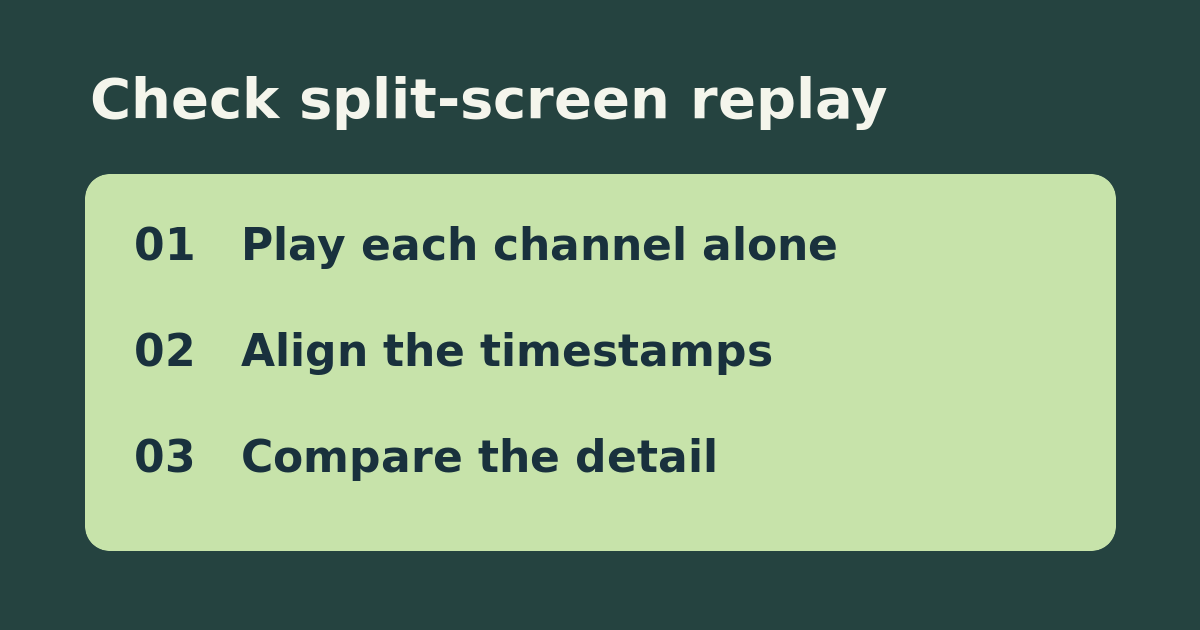
Choose two cameras that cover an ordinary walk on your own property. Note when the walk starts, when it passes the first camera, and when it reaches the second. In playback on the device you normally use, confirm each recording exists by opening each channel alone for that time. Then select the same date and time on both channels in the supported synchronized view. Check whether both can be followed and whether the detail you need is visible. Keep the storage destination and date the same throughout.
Separate a recording gap from a display limit
If one channel has no playable footage when opened alone, investigate its recording schedule or storage before blaming the NVR’s split-screen capacity. If both clips work separately but combined playback is missing or less detailed, check the exact NVR model, interface, and resolution limitations. Keep split-screen for the timeline and use individual playback for details if that meets your needs. Before buying, ask whether the replacement supports the number of simultaneous recorded streams at the quality and interface you need, not just the advertised live channel count.
See the official setup instructions. Related guide: check Reolink NVR hardware compatibility.