A message can be relevant without needing your attention this minute. Gmail’s snooze control lets you choose a later review time. Make that choice around the next useful action rather than repeatedly moving the same unresolved task out of sight.
Choose the message and time
On a computer, open Gmail and point to the email. Select the Snooze control on the right, then choose a later day and time. Google’s guide also describes selecting multiple messages and using Snooze in the top toolbar.
Decide why the later time helps
Choose a moment when the message will be actionable: after receiving an expected document, before a preparation session, or when you can review the request. Avoid choosing a date merely because you do not want to make a decision.
An example is a workshop confirmation you need to read before packing materials tomorrow. A snooze time before that packing session can be useful. A time after the workshop would miss the purpose.
Keep deadlines separate
Moving your review time does not change another person’s deadline or an appointment agreement. Check the actual request and leave enough time for the work. If you cannot meet a commitment, address that with the relevant person rather than treating snooze as a reschedule.
Record substantial work as a task
If the email requires several steps, put those actions in your normal task system. The message can remain supporting context. This avoids making the inbox the only record of a project you promised to complete.
Review your pattern
If you repeatedly snooze the same message, identify the blocker. You may need clarification, a smaller next action, or a decision to decline. Another reminder time will not resolve missing information by itself.
Check the actual account
Use the intended Gmail account and inspect the chosen message before acting, especially when several conversations share a subject. Follow the current Google instructions if the controls differ in your interface.
Keep a sensible distinction between a later personal review and a response the sender is still waiting for. Snoozing is a way to manage your attention, not a message to the other person.
Use the follow-up log for replies you need to pursue.
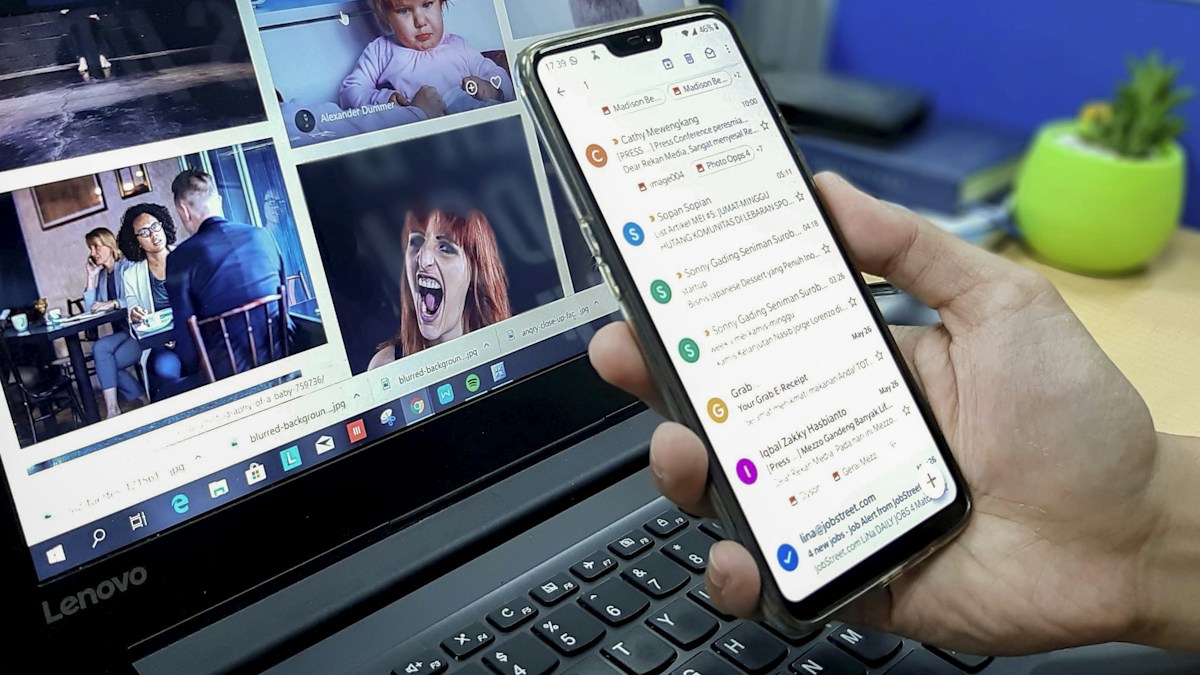
Source: Official Google instructions. Documentation checked October 19, 2026. Featured photo is illustrative, not an application screenshot.